Price Busy Evenings and Quiet Mornings Differently
Define peak and quiet hours from real demand, protect full periods, keep price bands simple, and stop discounting when the problem is programming.
· · 2 min read
Charging the same court rate all day is simple, but it can make quiet hours too expensive without making busy hours any easier to obtain. Different prices can help, provided the rules remain easy to explain.
Measure demand before naming the bands
Review several representative weeks by sport, day, and start time. Remove closures and genuine program holds so unavailable courts do not look like weak demand.
Define peak time from repeated booking pressure, not habit. A weekend morning may be busy in one club and soft in another.
Protect the hours that already fill
Do not discount a full Friday evening to solve an empty Tuesday morning. Keep the busy rate unless there is evidence that the current price is causing a different problem, such as poor retention or players abandoning checkout.
For quiet periods, choose a rate that gives a specific group a reason to move. The difference must be large enough to notice but not so large that players wait for discounts on hours they already wanted.
Keep the structure small
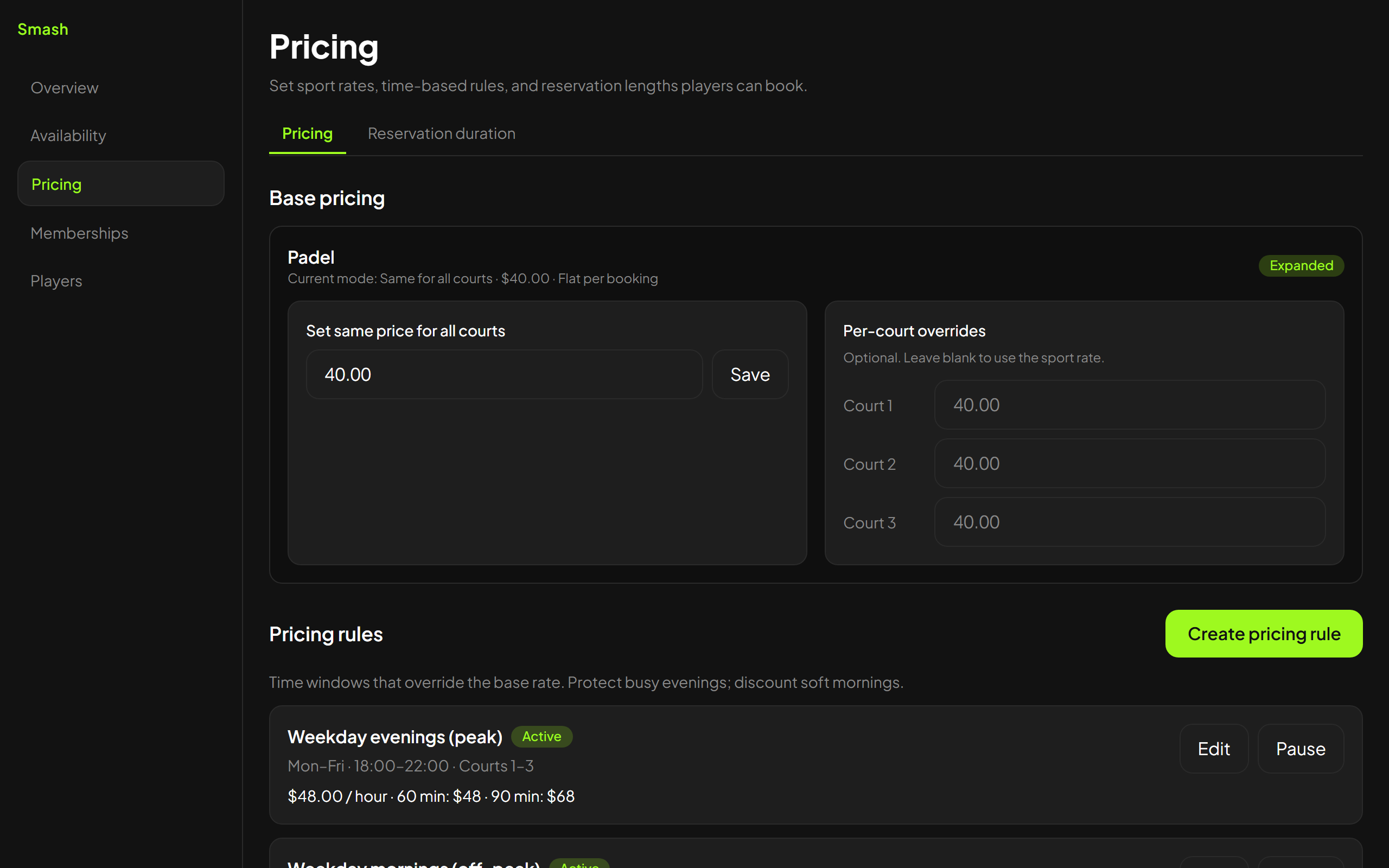
Two or three clear bands are usually easier for players and staff than a dense grid of exceptions. Publish the total for the chosen session length before confirmation.
If different sports have different demand, price them separately. Do not force a soft tennis morning and a full padel evening into the same rule merely because the courts share a desk.
Treat memberships as a separate decision
A membership discount and an off-peak rate answer different questions. First determine the price for that court and time. Then apply the member benefit according to the plan terms.
Keeping those layers separate makes it possible to see whether the base schedule or the membership offer needs adjustment.
Smash supports rates by sport, time window, and session length. Whatever pricing system you use, test the visible total in the same booking route players use.
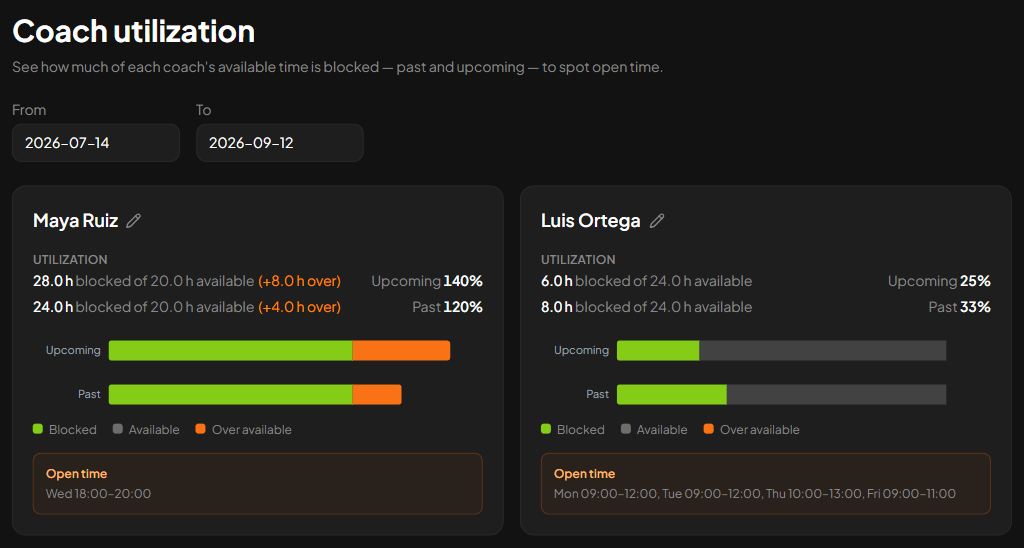
Review the quiet window after several weeks. If a fair lower price does not move demand, stop cutting. The problem may be that daytime players need an organized session, partners, or clearer promotion rather than a cheaper empty court.
Keep exploring
Related articles