Download the Smash app

Find clubs near you, see real-time availability, and book courts in a few taps. Available for iOS and Android. Currently 11,327 clubs in our directory.

Download on the App StoreGet it on Google Play
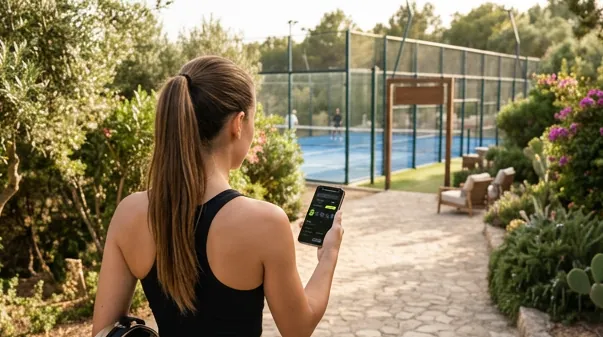
Player using the Smash app to book a court at a padel club

Find availability and book courts

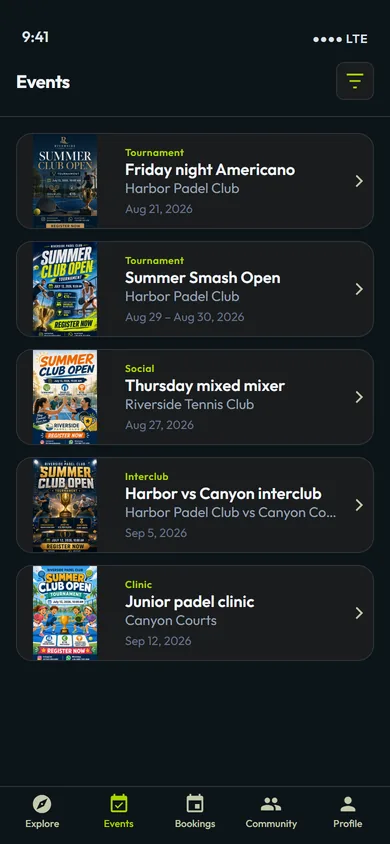
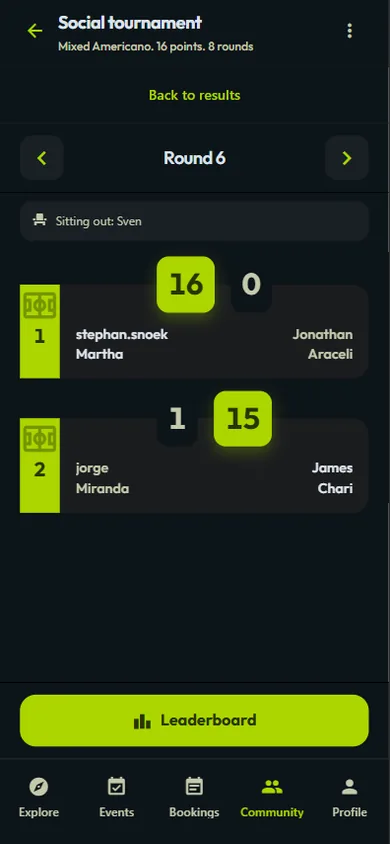
Browse clubs near you, check live court availability, and reserve tennis, padel, or pickleball courts in a few taps. Looking for group play? See upcoming events and tournaments or tips on our player blog.

Available on iOS and Android

Download Smash free from the App Store or Google Play, or use the web version in your browser.

Frequently asked questions

Open the app and use search or the map to discover clubs. You can also browse clubs on the website and then open the app to see availability and book. Filter by sport (tennis, padel, pickleball) and location to find the right court.

Choose a club, pick an available date and time slot, select the court you want, and confirm your booking. If the club has online payments enabled, you pay in the app. Your reservation is confirmed right away.

Yes. You need to sign up (or sign in) in the app to make a reservation. Your account keeps your booking history and makes it easy to manage and pay for courts.

If the club accepts online payments, you pay in the app when you book. Payment methods depend on your region and what the club has enabled. You’ll see the price before confirming.

Yes. Open the app, go to your booking, and use the option to cancel or change it. Cancellation and refund rules depend on the club’s policy and how close you are to the booked time.

Yes. Registering, downloading, and using the Smash app is free for players. You only pay for the court time when you book, according to each club’s prices.