Turn a Quiet Court Window Into Bookings
Find a recurring bookable gap, diagnose why it stays empty, run one pricing or programming test, and compare the same window again.
· · 2 min read
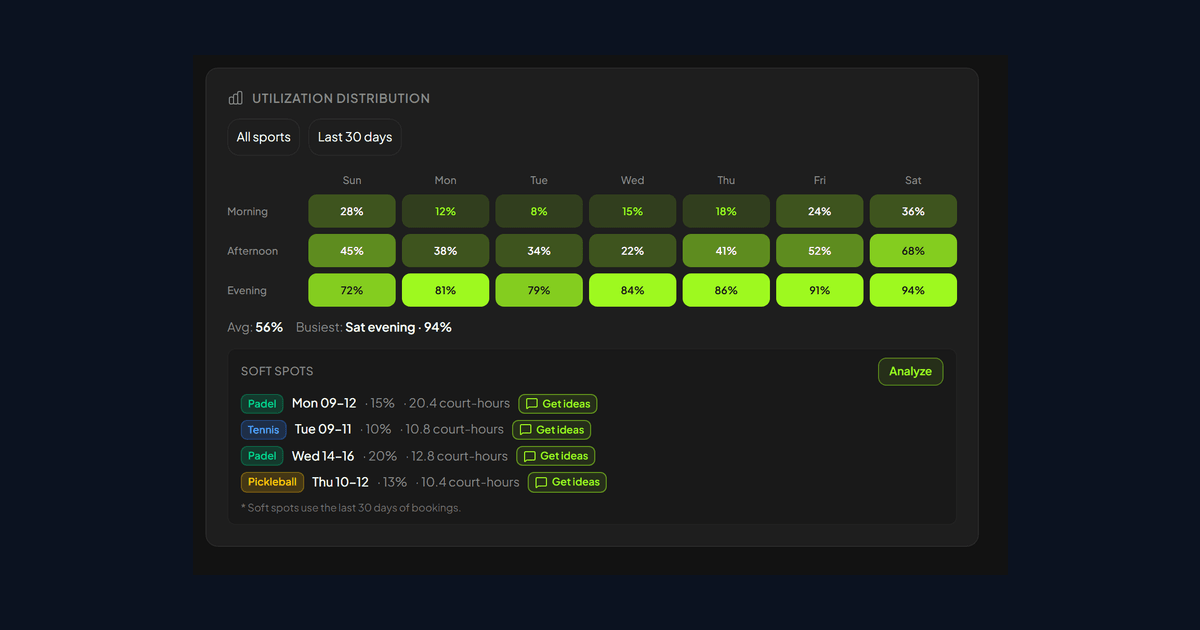
"Mornings are quiet" is too vague to guide a price change or a new program. Turn the impression into a particular sport, day, and time window, then decide why that window remains empty.
Separate unused time from unavailable time
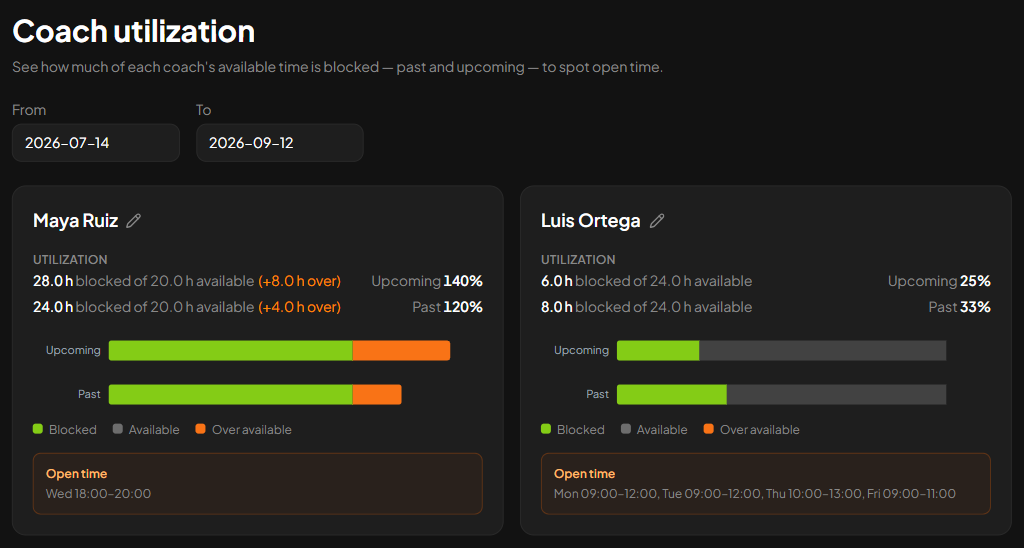
Review several comparable weeks and mark when courts were open for ordinary booking. Remove maintenance, weather closures, events, and genuine coaching use before calculating the gap.
Break the result down by sport when courts serve different audiences. A busy tennis morning can hide unused padel time in a club-wide average.
Choose a window large enough to use
Recurring multi-hour gaps are more useful targets than an isolated empty hour. They can hold a clinic, social session, company booking, or a meaningful price test.
Confirm that staff and courts can support the response. There is little value in promoting a Tuesday clinic if no coach is available or the court is still protected by a recurring hold.
Diagnose before choosing the offer
Ask why the likely players are not booking. The rate may be wrong, but price is only one cause. People free during the day may lack a group, need a beginner format, or simply not know the slot exists.
Run the smallest plausible response. Test a softer rate when demand appears price-sensitive. Try hosted play when individuals need partners. Use a clinic when coaching creates the reason to attend.
Compare the same window again
Decide how many weeks the test needs and what success means before launching it. One full Tuesday may be a one-off. Look for a repeatable change in the same hours without weakening already busy periods.
Smash can show booking patterns by weekday and time and rank quieter windows. A booking export or marked paper grid can reveal the same issue. The value comes from checking whether the time was truly available and testing one cause at a time.
Do not try to fill every gap at once. Pick one usable window, make one change, and learn enough to choose the next move with better evidence.
Keep exploring
Related articles