Run Match Day Without Conflicting Spreadsheets
Plan tournament rules and court capacity first, keep one current record, publish only stable information, and decide how staff will handle exceptions.
· · 3 min read
A spreadsheet is not automatically the problem. The problem begins when the roster, draw, court plan, scores, and player messages become separate versions that staff must reconcile during the event.
Run the tournament from one current record, then use printouts and messages as copies of that record rather than independent systems.
Decide the operating rules before entries open
Set the format, divisions, entry type, scoring, withdrawal policy, and minimum field. These choices determine how much court time the event needs and what can change later.
Do not build a full draw around unconfirmed names. Set a registration deadline and decide how reserves, late withdrawals, and thin divisions will be handled.
Treat court time as the hard constraint
Estimate the number and length of matches, add time for changeovers and delays, and compare the result with the courts genuinely available. A neat bracket that cannot fit the day is not a plan.
Keep tournament court holds on the same calendar as ordinary bookings. Release unused time when divisions shrink, and avoid promising a start time until the schedule works as a whole.
Publish only what staff can keep current
Players need one place to check who they play, when they start, and where results will appear. A public draw can work, as can a carefully maintained notice board. The important part is that staff update one source first.
Keep working schedules private until conflicts are resolved. Publishing every draft encourages screenshots that continue circulating after the plan changes.
Make score handling boring
Choose who can report a result, who confirms it, and how a disputed score is resolved. Enter each result once and let standings or later rounds follow from that record.
Paper score sheets are useful on court, especially with poor connectivity. They should return to one desk for entry rather than create a second unofficial table.
Prepare for the exceptions
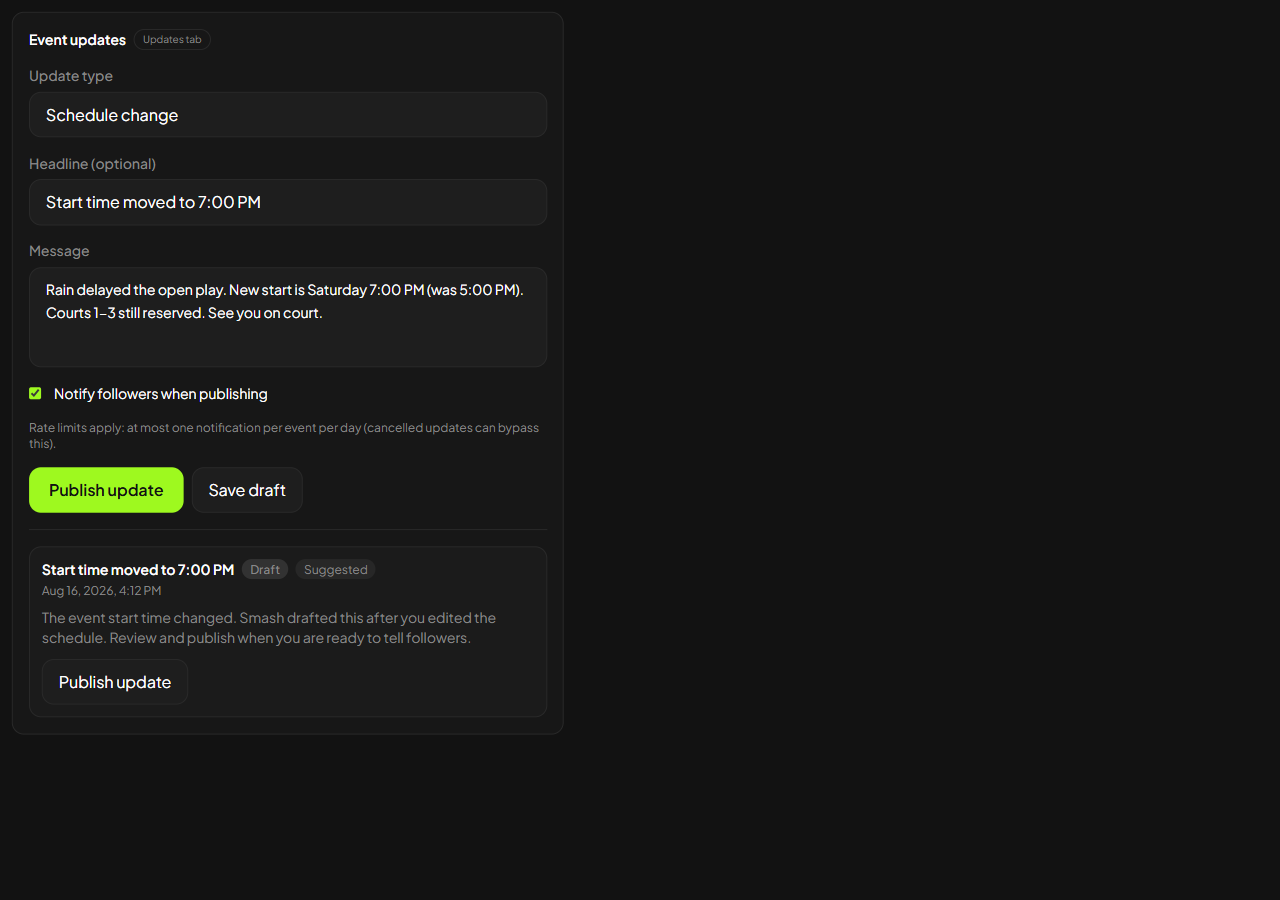
Before match day, walk through a late withdrawal, a delayed court, a disputed result, and bad weather. Give staff authority to make the decisions they are likely to face.
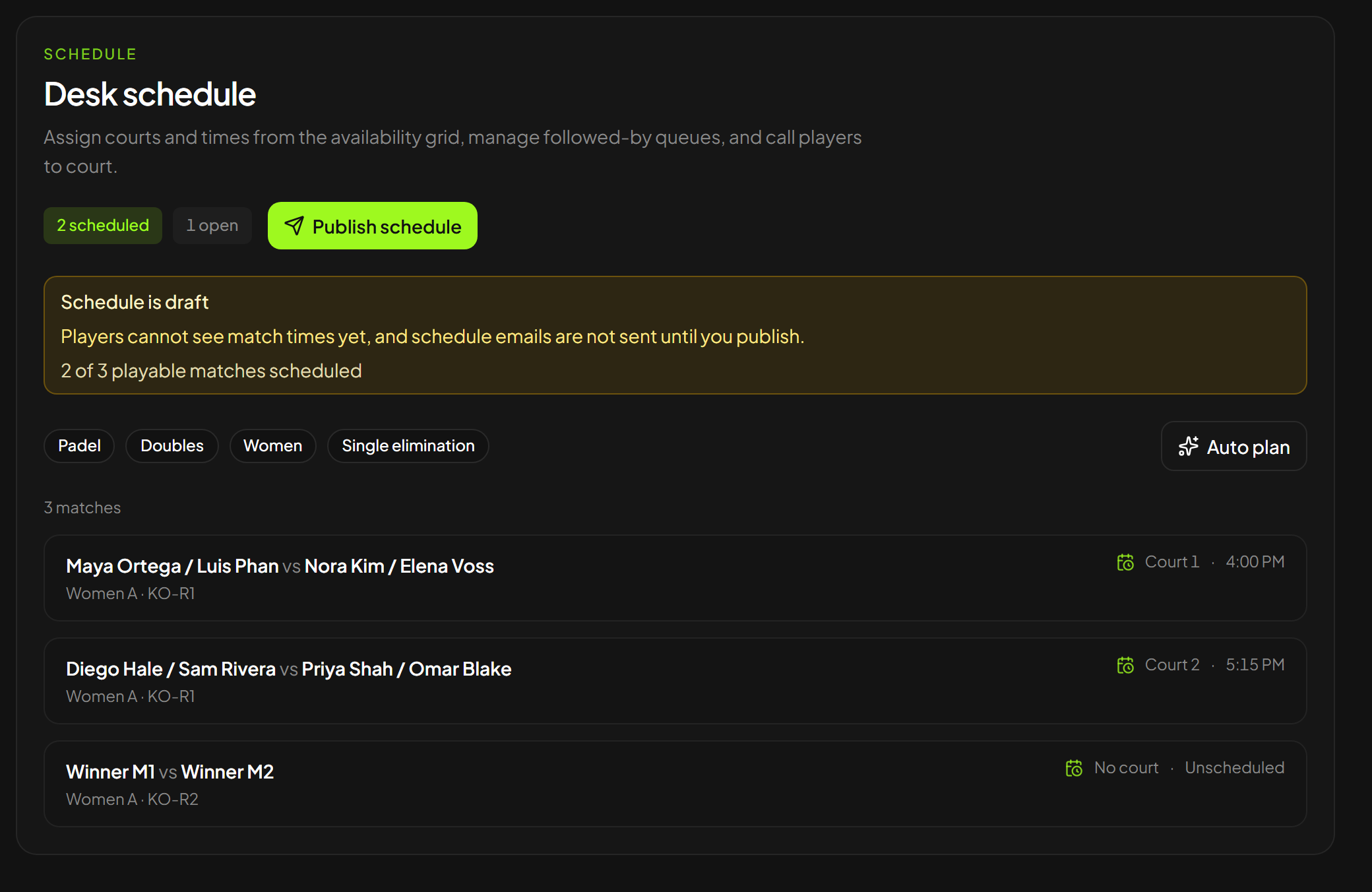
Smash includes a tournament desk for rosters, draws, court scheduling, scores, and a public draw. It is one way to keep those records connected, but no tool chooses the event rules or resolves every exception for you.
A well-run tournament feels calm because changes have one owner and players know where the current answer lives. That is the standard, whether the record sits in specialist software or a disciplined set of sheets.
Keep exploring
Related articles