Move Routine Court Bookings Off the Phone
Help players adopt online booking by fixing the path first, repeating one clear instruction, supporting the first attempt, and measuring calls rather than downloads.
· · 2 min read
Players will not change a familiar booking habit because the club announces a new app once. They change when the new route is easier, staff repeat the same instruction, and the old route stops being the default for routine requests.
Fix the booking path first
Try the process as a player. Check whether court times, prices, access rules, payment, and confirmation are clear. If staff have to explain a missing step on every call, promotion will create more questions rather than fewer.
Keep help available for unusual cases. The goal is to move ordinary reservations away from the phone, not to make a player feel abandoned when something genuinely needs staff judgment.
Introduce it at moments players already notice
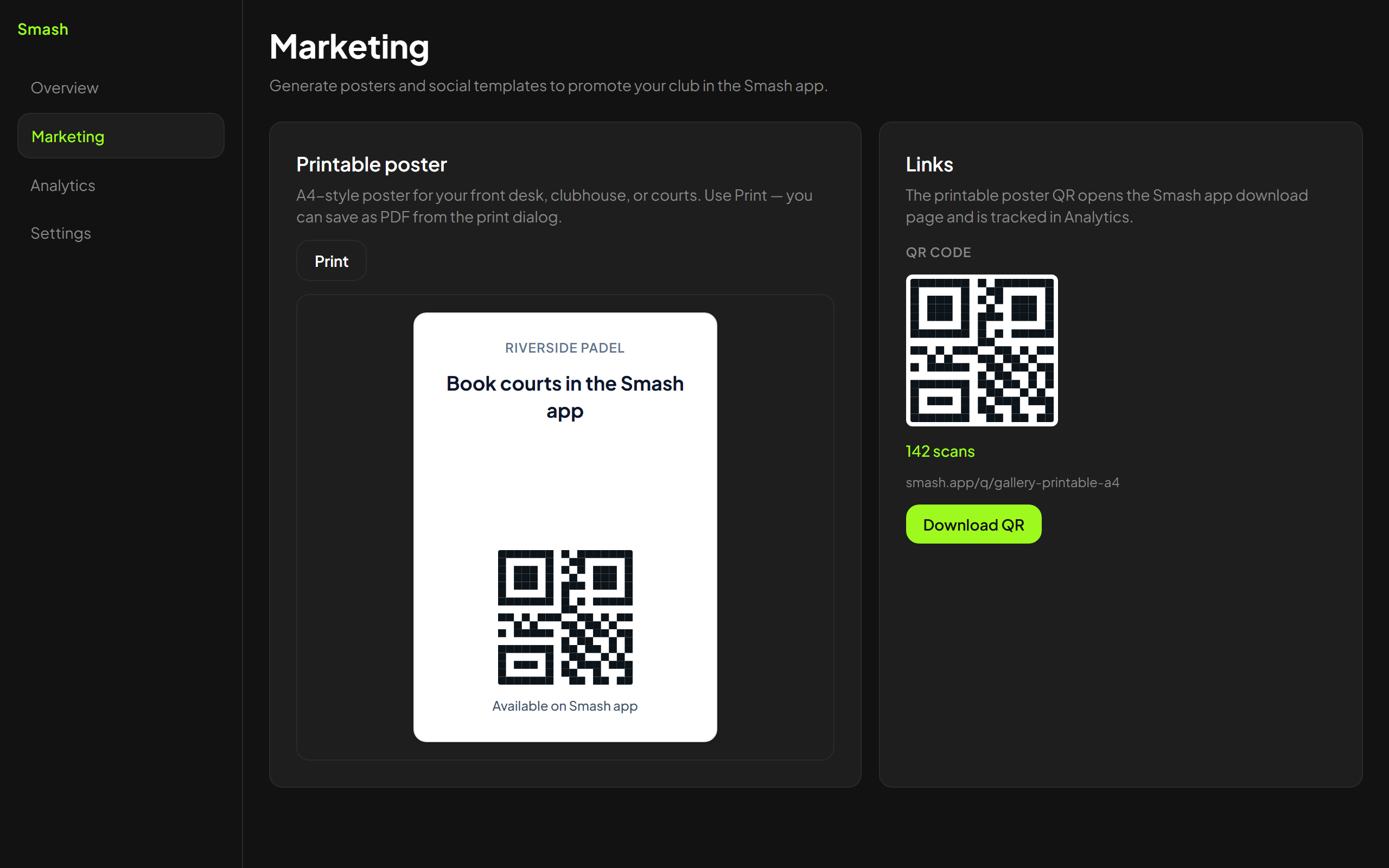
Put one clear link or QR at reception, on booking confirmations, and in the club's public information. Staff should use the same short sentence after a routine phone booking: next time, you can see current times and reserve here.
Avoid a dozen different codes and instructions. Players should not have to remember which poster applies to which court.
Help with the first booking
Some regulars will switch immediately. Others may need someone to show them once during a quiet period. Let the player complete the steps so the next reservation does not depend on staff doing it for them.
Do not force the change during a queue. A rushed lesson makes the app feel harder than the phone call it is meant to replace.
Measure the behavior that matters
Scan counts and downloads are weak evidence. Compare the share of routine reservations that arrive without a call, and note which questions still reach the desk.
If scans rise but calls do not fall, the booking path may be unclear or players may not trust the availability shown. Fix that before printing more posters.
Smash provides player booking and printable links for clubs that use its calendar, but adoption follows the same rule as any system: make the route dependable, teach it consistently, and keep human help for exceptions.
Review the remaining calls after a few weeks. Each repeated question is evidence about what the booking information still fails to explain.
Keep exploring
Related articles