Ask for Reviews While the Match Is Fresh
Ask players soon after a real visit, reply for future readers, and fix repeated complaints before trying to collect more reviews.
· · 2 min read
Most satisfied players leave without writing a review. They are thinking about the match, the journey home, or dinner. If a club wants a more representative public record, it needs a polite moment to ask.
Ask after a real experience
The best time is soon after play, once the player has something genuine to describe. Ask for an honest review rather than a positive one, and do not keep prompting the same person after they decline.
Make the route simple. A short link or QR is enough. Long instructions make a small favor feel like a task.
Reply for the next reader
A reply is not only for the person who wrote the review. Future players will use it to judge how the club handles praise and problems.
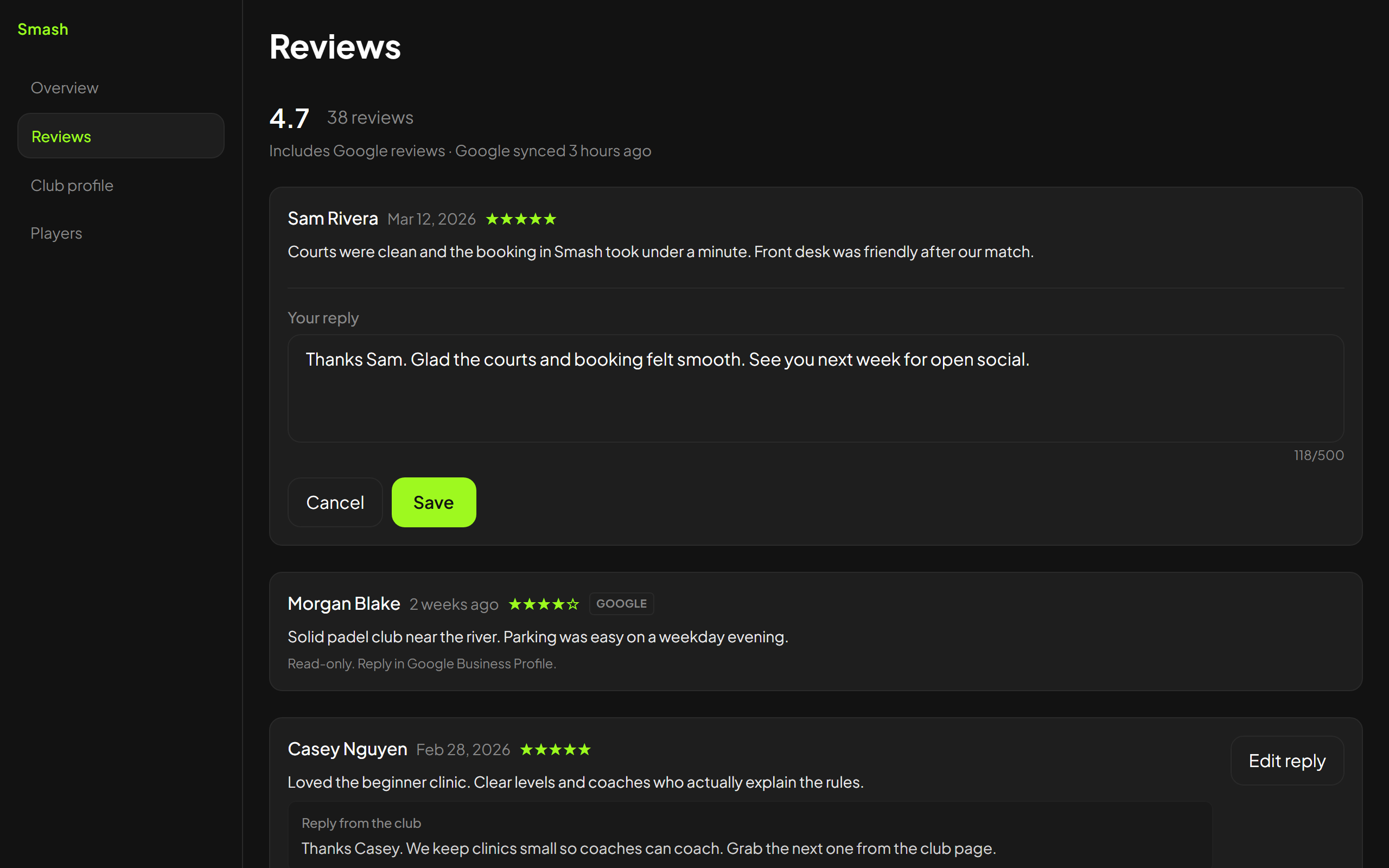
Thank people briefly for specific compliments. When a review is critical, acknowledge the issue, say what you can investigate, and move booking details or personal information to a private channel. Do not argue about motives in public.
Fix repeated causes before asking more often
Group reviews by theme. If several people mention unclear access, cold showers, or late starts, another batch of review requests will only publish the same problem more widely.
Choose an owner and a practical correction. Then mention the change in a reply when it is relevant and true.
Keep each platform honest
Reply where the review was posted. A Google review should be handled through Google Business Profile. A review on another club platform should be answered there.
Smash can collect player reviews, display Google rating information on a claimed club page, and let staff reply to reviews left through Smash. It does not post replies to Google on the club's behalf.
A useful review habit is small: ask after a completed visit, read for patterns, answer calmly, and fix the causes that keep returning. More reviews help only when the club is willing to learn from them.
Keep exploring
Related articles