
Running a Multi-Sport Club on One Dashboard
Tennis, padel, and pickleball on one schedule—naming courts, sport-specific pricing, and avoiding booking conflicts.
· By Smash Team
- club-management
- operations
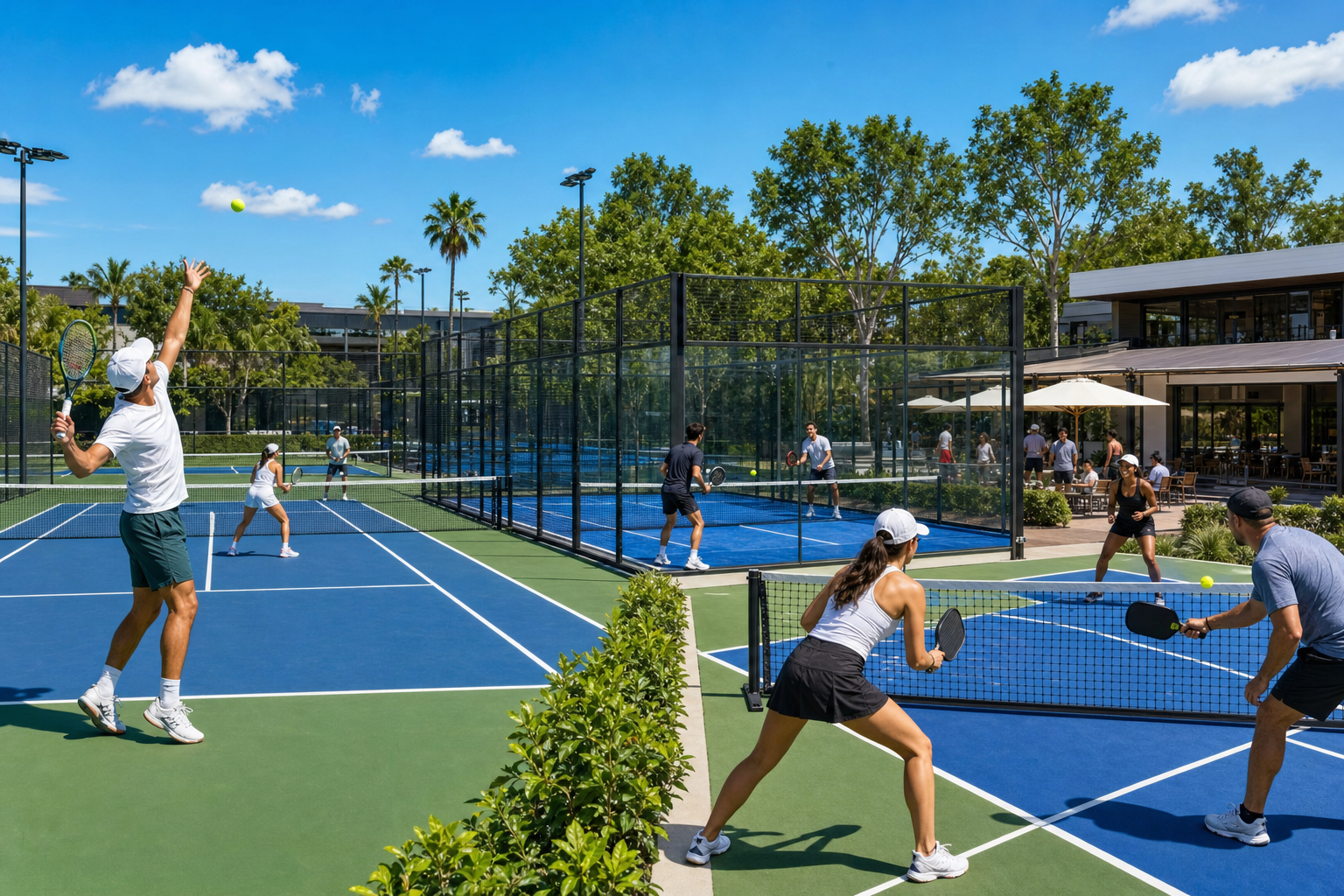
More clubs are adding a second or third sport. A padel court bolted onto an existing tennis facility, or a set of pickleball lines drawn onto a spare court, can double the number of players walking through the door. Managing those extra courts does not have to mean extra chaos.
Set Up Each Court Correctly
In the Smash Club Dashboard you can add courts individually, assign the sport (tennis, padel, or pickleball), and choose the surface type. Players searching in the app filter by sport, so correct labels send the right bookings to the right courts.
Price Each Sport Differently
Demand is rarely equal. Padel at peak time can command a premium over a weekday tennis slot. Use the per-court, per-slot pricing in the dashboard to set rates that match the real demand for each sport without blending everything into one flat fee.
Keep the Calendar Honest
Block-offs let you close a specific court for resurfacing or maintenance without touching the others. If one court shares space with an event or tournament, a block-off keeps it out of the public booking pool.
One View for Everything
Booking analytics in the dashboard break down utilization by day so you can see which sport fills fastest and where quiet slots remain. Staff with dashboard access can manage all courts without needing separate logins.