Run Tennis, Padel, and Pickleball on One Calendar
Share one court schedule across racket sports while keeping each sport's court setup, pricing, duration, and demand rules clear.
· · 2 min read
A multi-sport club needs one current view of court time, but it should not pretend that tennis, padel, and pickleball behave identically. The calendar can be shared while prices, session lengths, equipment, and player expectations remain specific to each sport.
Define what each court can host
Record the sport, surface, indoor or outdoor status, and any shared line or net setup. If a tennis court converts to pickleball, include the changeover time and who is responsible for equipment.
Clear labels prevent staff from selling a slot that cannot be prepared in time and help players understand what they are reserving.
Put every use of the court on one schedule
Ordinary bookings, coaching, leagues, events, maintenance, and conversion periods need to appear in the same availability record. Separate spreadsheets may describe the program, but they should not independently decide whether the court is free.
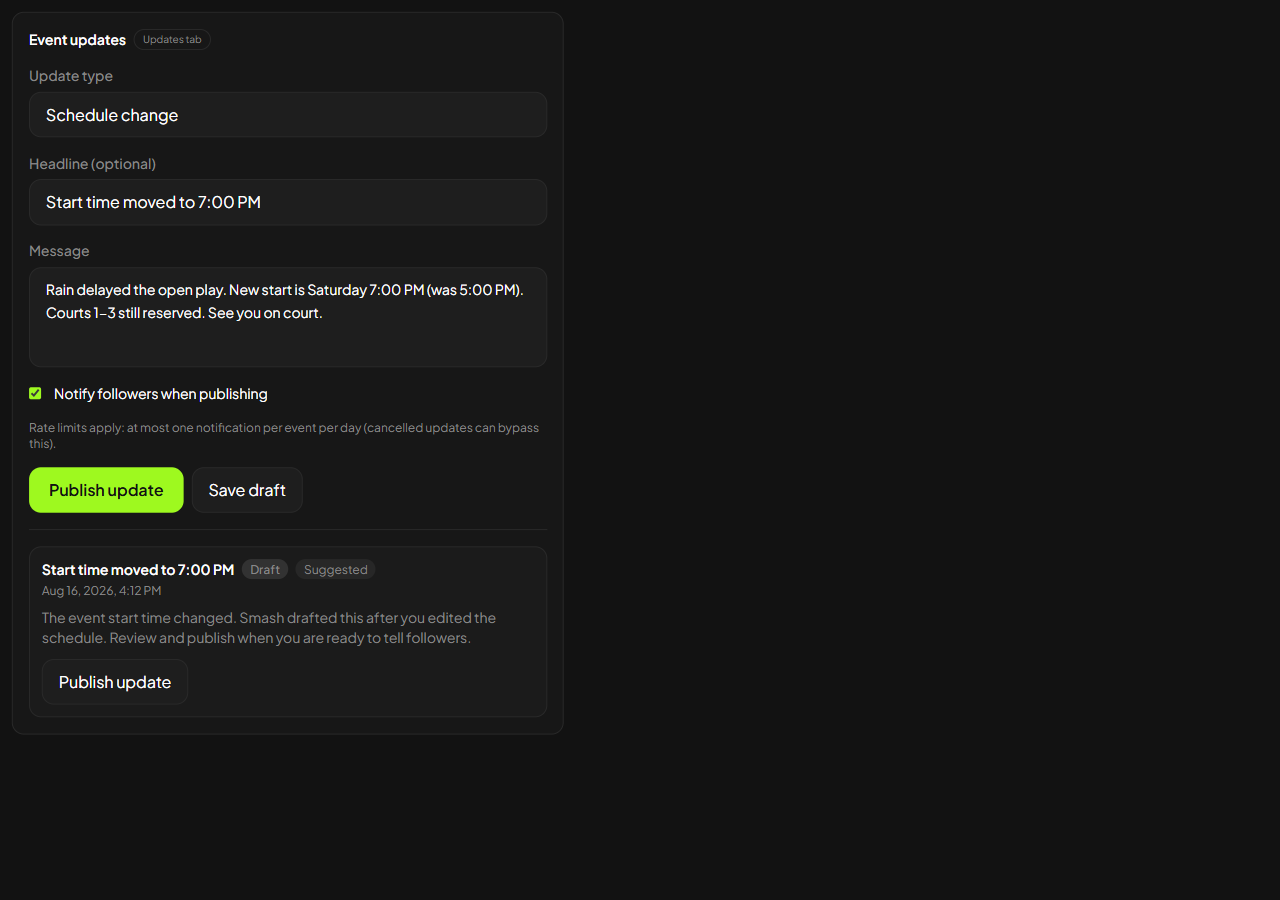
Give one role responsibility for approving changes. Coaches and event organizers can request time without creating conflicting versions.
Keep sport rules separate
Set prices and allowed durations according to demand and operating cost for each sport. Apply the same principle to cancellation terms, equipment rental, and guest access when they genuinely differ.
Avoid complexity that staff cannot explain. Shared administration is useful only if players still see a clear offer.
Review conflicts and quiet time by sport
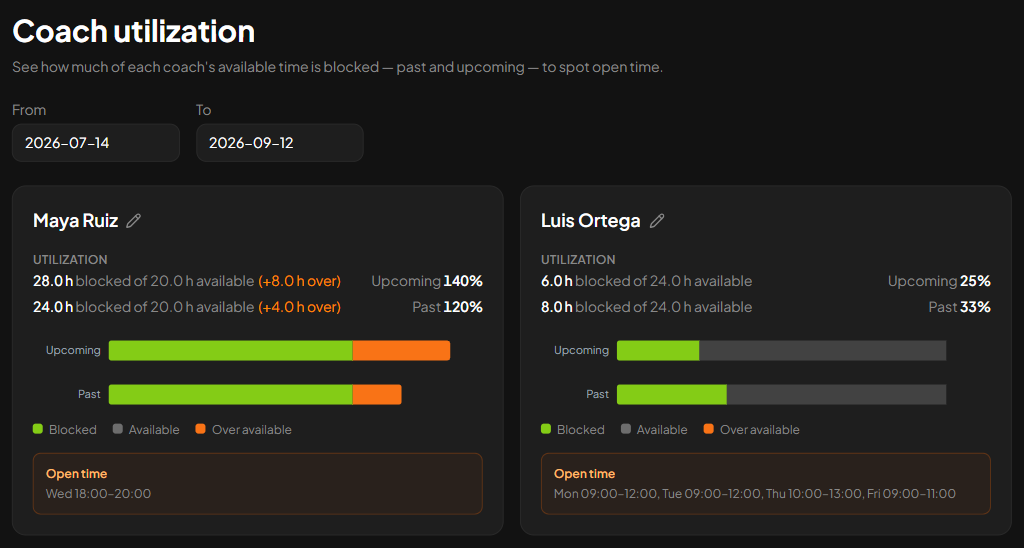
A club-wide average can hide a full padel evening beside an empty tennis morning. Review demand separately before moving a price, adding a clinic, or converting more court time.
Smash can manage several racket sports on one club calendar with sport-specific courts and prices. The tool is less important than the operating rule: one source decides availability, while each sport keeps the distinctions players and staff need.
Adding a sport should expand the club's options, not multiply its schedules. Map the courts honestly, make changeovers visible, and keep final control of court time in one place.
Keep exploring
Related articles